Pointsistant
An assistant that lives at your cursor. Press a key, ask about what's on screen, and it answers out loud and marks the exact spot.
- Platform
- macOS 15 or later
- Runs on
- Apple silicon
- Works in
- Any app
- Status
- Built, not released
What it does
Ask at the cursor
Press a shortcut and type, or hold it and talk. The box opens where you're looking.
Answers out loud
The reply is spoken by default and stays put in its box until you're done.
Marks the spot
Circles, arrows and underlines land on the exact button, word or object, numbered in order.
Walks you through
Multi-step tasks, one step at a time. With your go-ahead, it can do the steps itself.
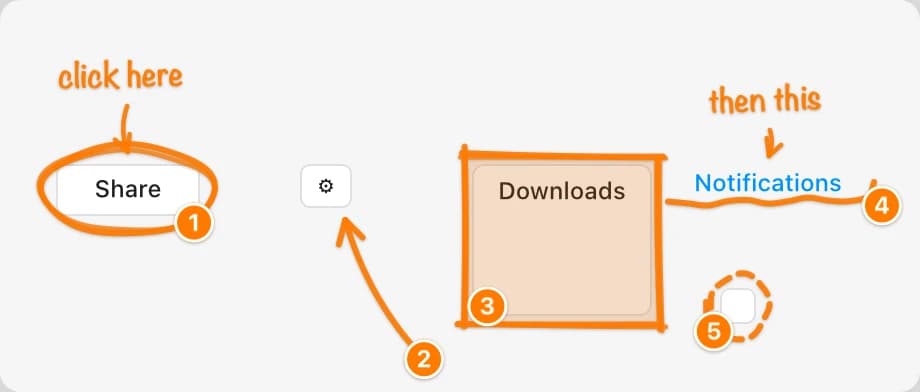
Drawn by the app
Rendered by Pointsistant itself: hand-drawn markers and notes, numbered in the order you'll need them.
What it asks for
Permission to see the screen and find the right control, the same two macOS asks of any screen assistant.
Not out yet.
Want to hear when it is?